For Tuya Zigbee Smart Plug EU Switch Home Assistant Smart Wifi Outlets Socket with Power Monitor Timing Function Voice Control


For Tuya Zigbee Smart Plug EU Switch Home Assistant Smart Wifi Outlets Socket with Power Monitor Timing Function Voice Control
Product parameters: Eurocode 16/20A
Product size: 50*50*84mm
Weight: 0.09kg
Input voltage: AC100-240V 50/60Hz.
WIFI standard: 2.4GHz 802.11 b/g/n g/n.
Indicator light: blue light indicator switch and distribution network
Shell material: PC+ABS fire rating V0
Working temperature: -20-50℃
Certification standard: CE/ROHS
Graffiti smart or smart life APP can be remotely controlled by mobile phone by connecting with WiFi router.
Support Alexa, Google Home, Tmall Elf Xiaoai and other intelligent voice control.
Mobile APP remote control, intelligent timing, intelligent scene linkage, power statistics, sharing control.
APP distribution network operation steps
A. One-button configuration
1. Please connect the mini-socket to the power supply and wait for the blue indicator light to flash, or press and hold the key for 5 seconds until the blue indicator light flashes (twice per second).
2. Connect the mobile phone to wifi and confirm the success.
3. Open the APP, click the Add icon in the upper right corner of the device list, and then select "Socket" to enter the interface of configuring devices.
4. Click "Please confirm that the indicator light is flashing", enter the password of the WIFI currently connected to the mobile phone, and click "Confirm".
5. Wait for the configuration. After the configuration is successful, click "Finish" to jump to the function interface of the socket.
2.AP configuration
AP configuration is a paving configuration method. If one-click configuration fails, AP configuration can be used. The method is as follows:
1. Press and hold the key for 5S, and the indicator light will flash slowly (on for 2 seconds and off for 2 seconds).
2. Open the APP, click the Add icon in the upper right corner of the device list, select "Socket" to enter the interface of configuring devices, and click.
"Compatibility Mode" enters the AP configuration interface.
3. Click "Please confirm that the indicator light is flashing slowly", enter the password of the WIFI currently connected to the mobile phone, and click "Confirm".
4. Click "Disconnect" to jump to the WIFI list interface, select SmartLife-XXXX and click "Connect".
5. Click the back button on the phone and wait for configuration. After successful configuration, click "Finish" to jump to the function interface of the socket.
Zigbee Features:the group control based on Zigbee gateway has the advantages of simple operation, high stability, strong anti-interference ability and low power consumption. Is the best choice for building a smart home.
NOTE:If you choose the Zigbee Version, you must have a Zigbee3.0 Gateway for achieve the All function of zigbee Plug. The WIFI version can be used normally without a gateway.

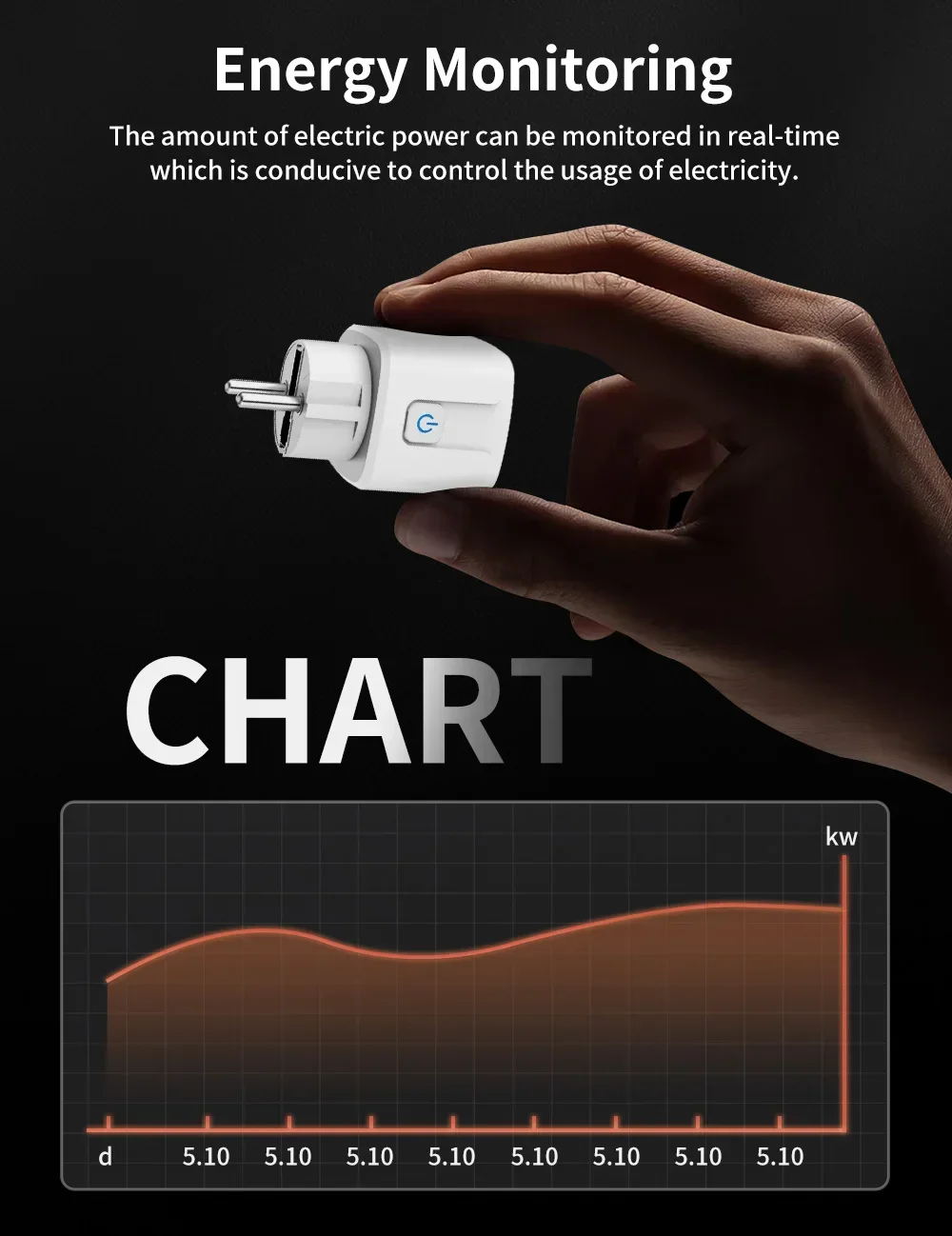
Power Monitor
This smart power plug could provide real-time reports, on how much energy your home appliances consume. It is very good for you to set up a time schedule to turn on/off your devices automatically by the app. Helping you cut down electricity bills.

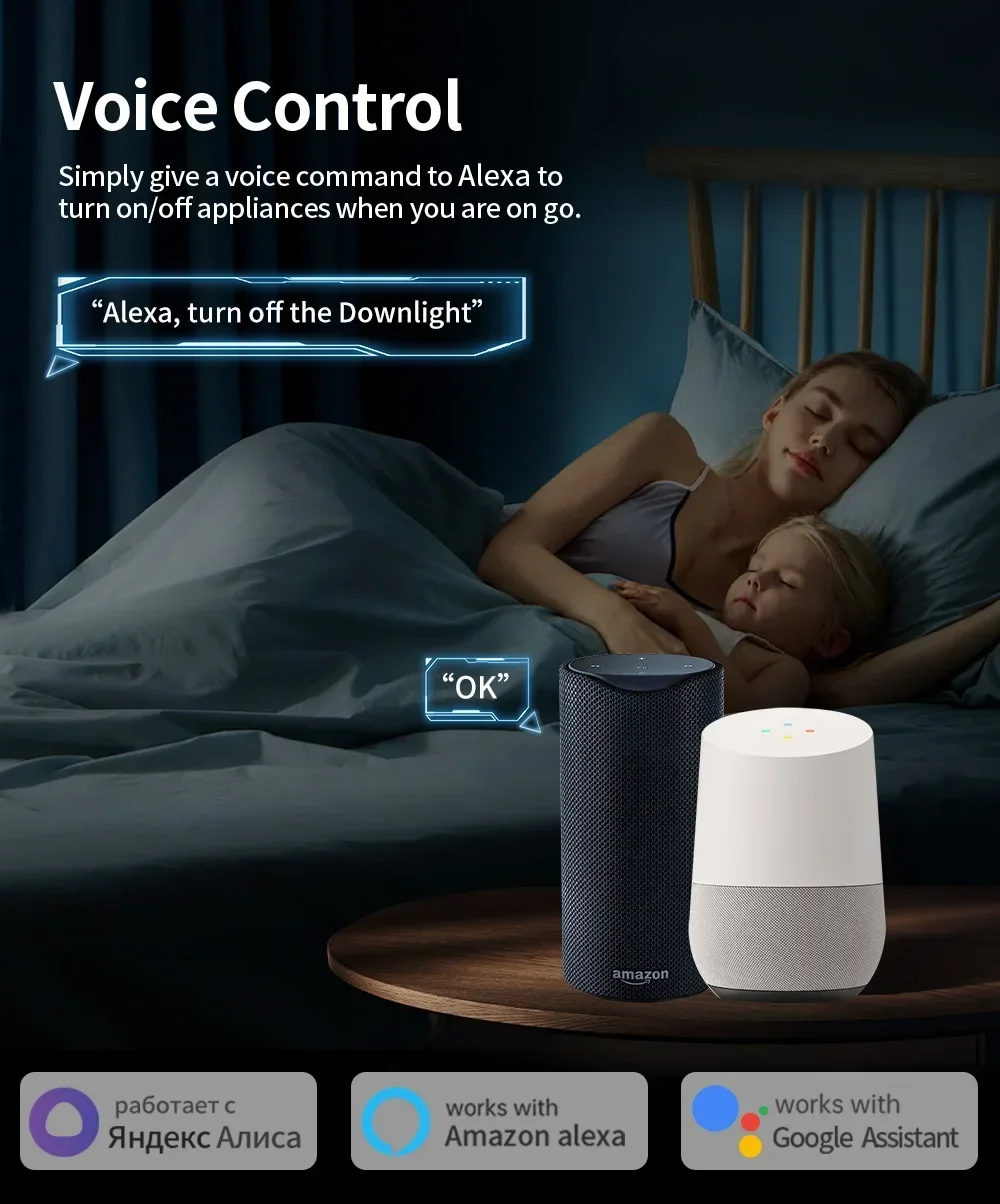
Voice Control by Amazon Alexa, Google Home
The smart WIFI plug socket is perfectly compatible with Amazon Alexa, Google Home, and so on. Just simply give a voice command to your Alexa or Google Home Assistant to control your devices when you are on go.

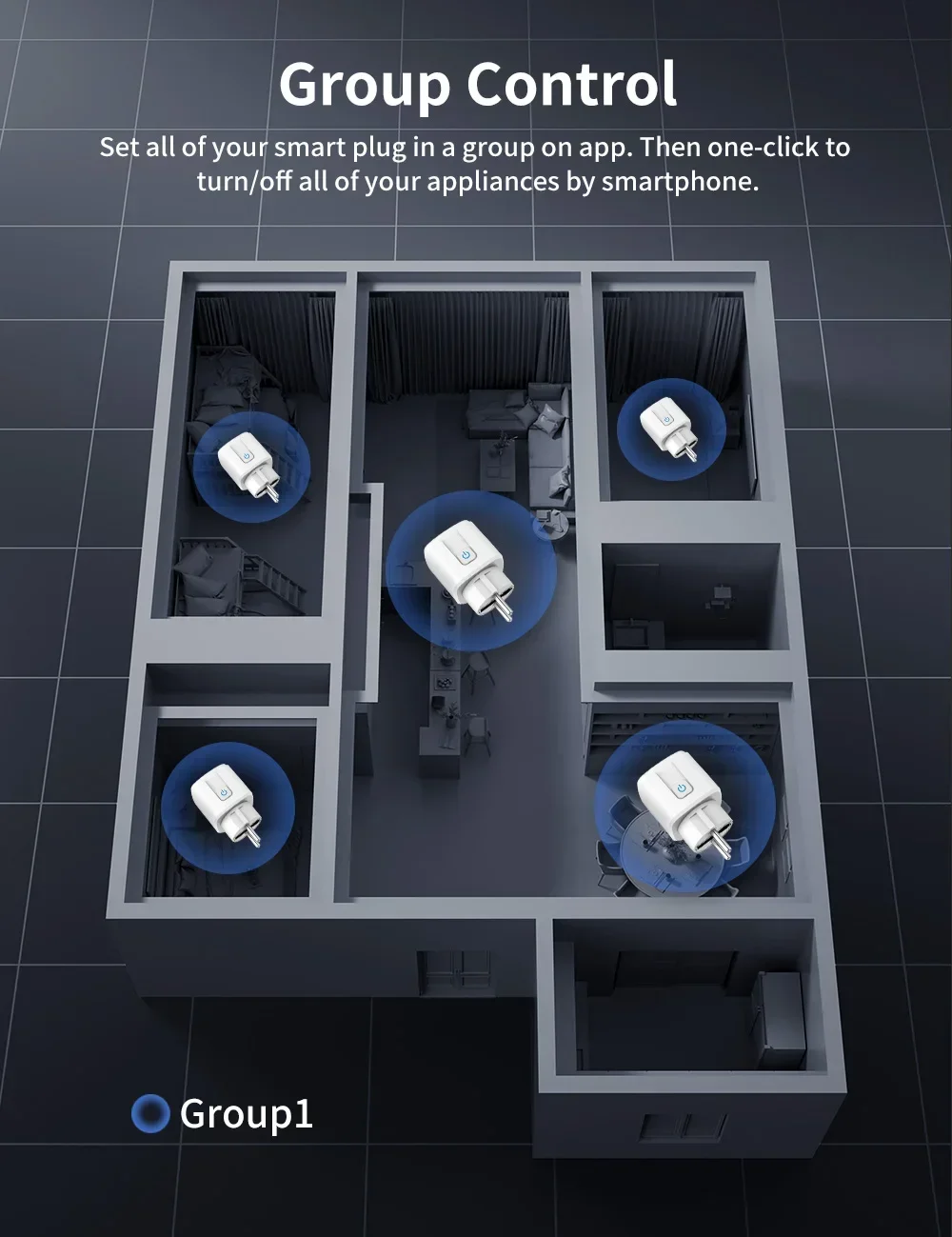
Sharing&Group Control
One-tap to share the smart plug with your family member by the app to eliminate extra setup processes.Main account has the exclusive permissions,one click to share eht permissions with the whole family.let the family enjoy the fun of smart life!
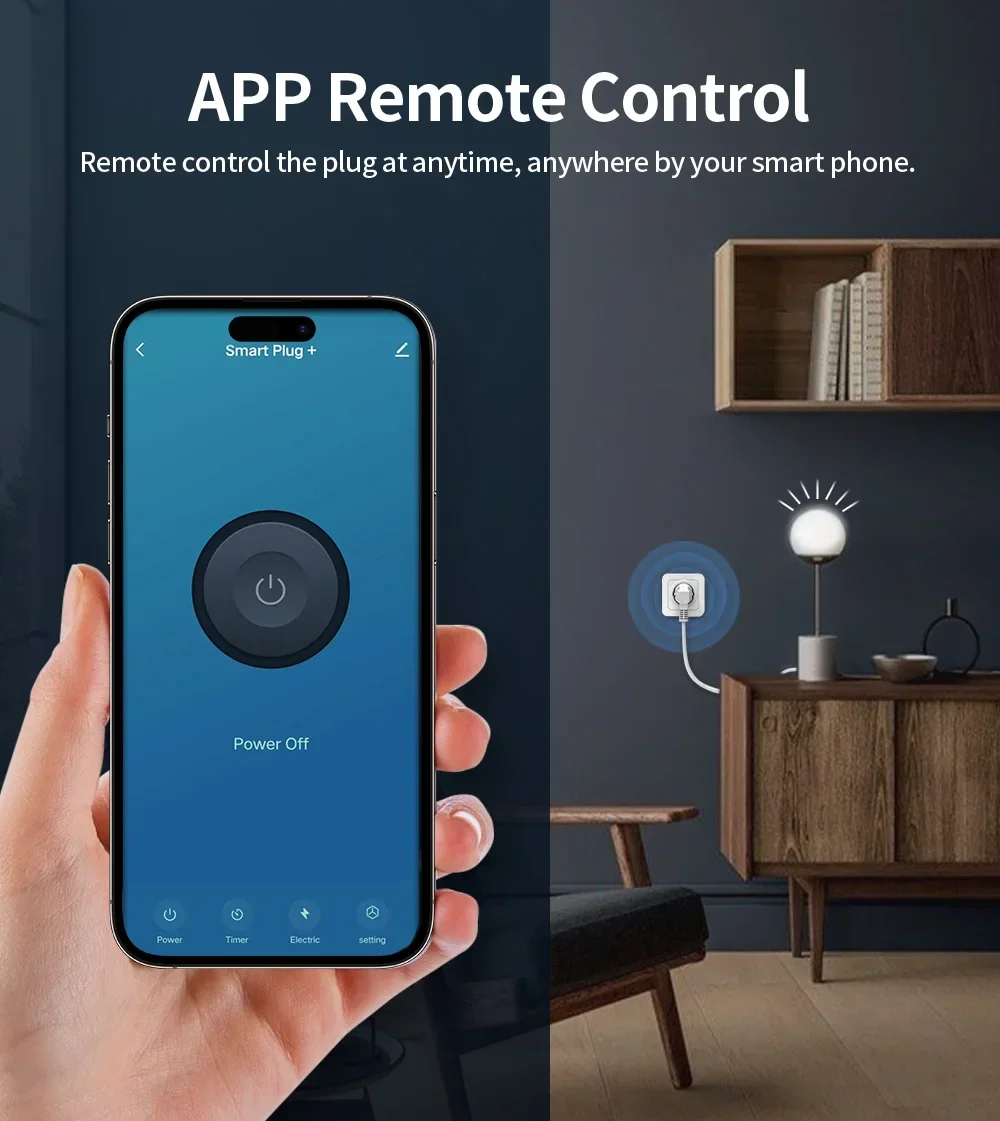
App Remote Control by SmartLife or TuyaSmart
Using your smartphone or tablet remotely controls the smart wifi power plug by free app Smart Life or TuyaSmart from anywhere at any time. Easily to control your home appliances.

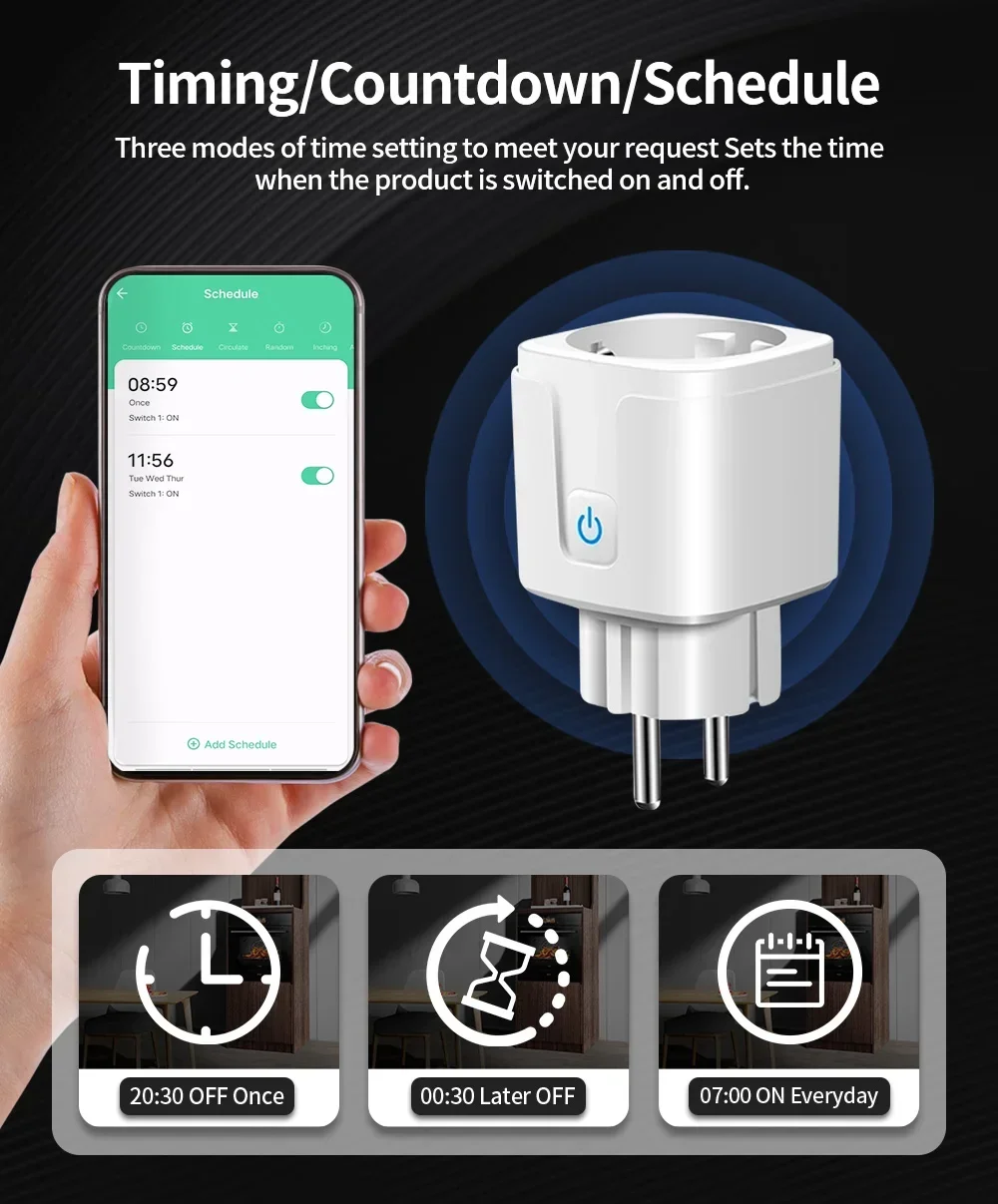
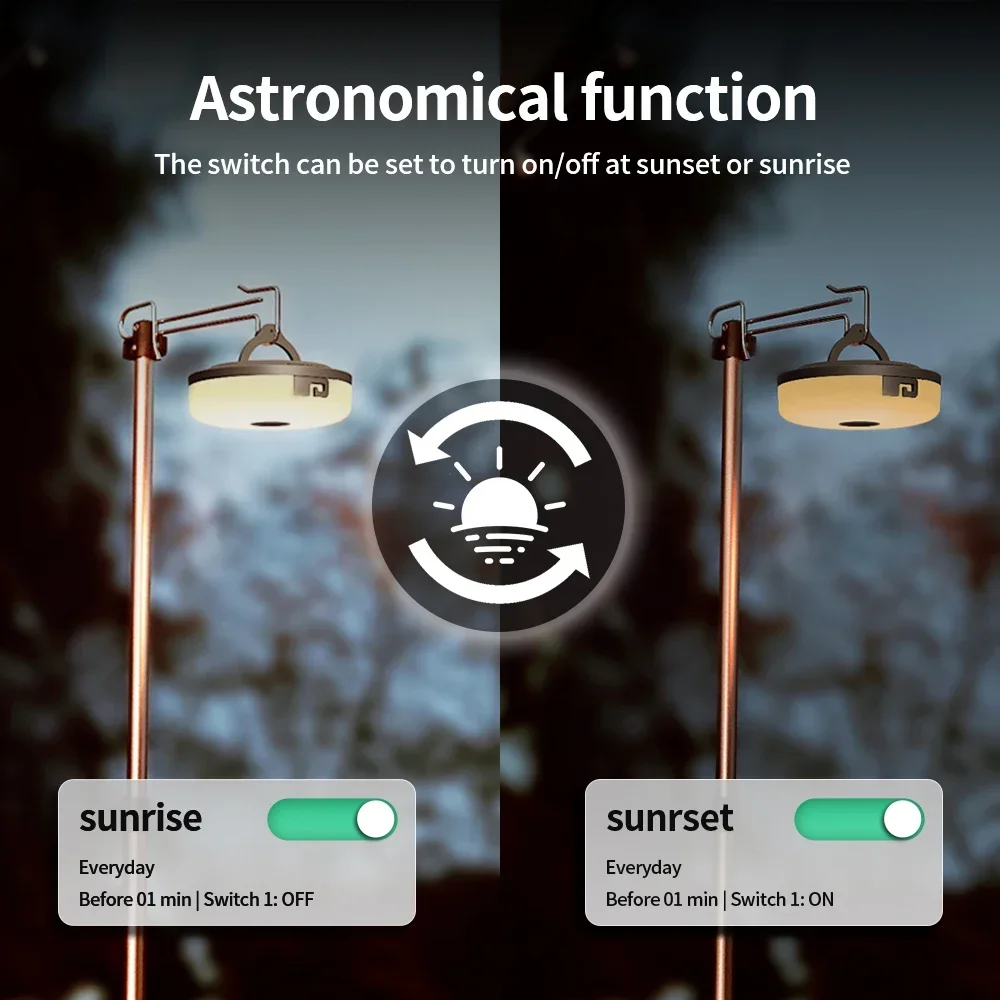
Timing/Countdown/Schedule
Three modes of time setting to meet your request.